...
You can launch the app via the Start Menu after searching for "tomcat". The name should show something similar to "Lucee-Tomcat Service Control" unless changed, as shown in screenshot below:

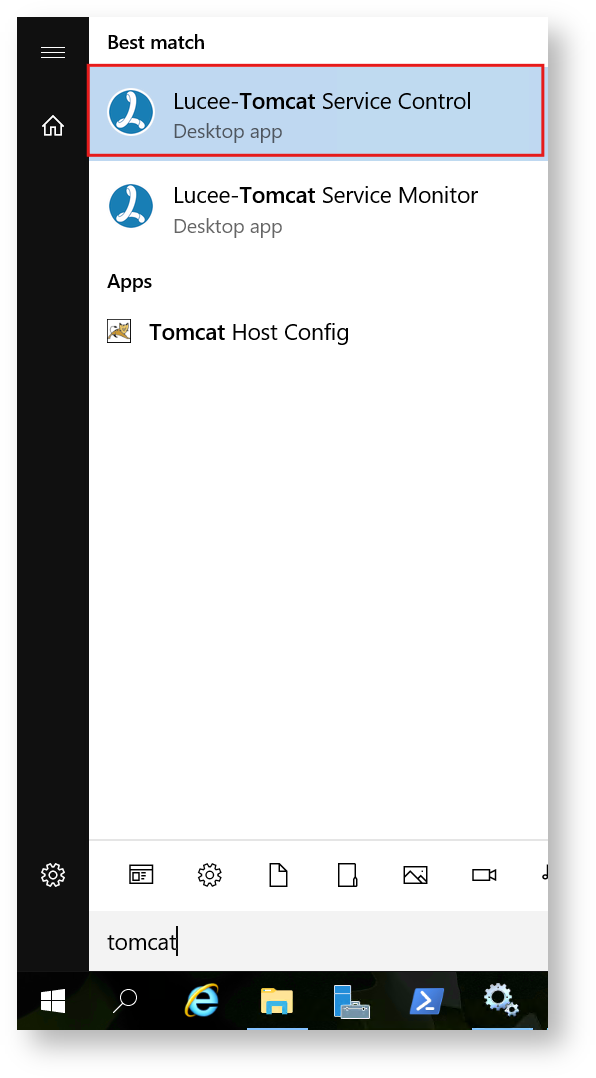
You can also launch the Lucee-Tomcat Service Control app directly from the bin tomcat/bin/ directory: C:\lucee\tomcat\bin\Luceew.exe
Once the service control app is open, click on the "Java" tab, then on a new line by itself, add the Java flag mentioned earlier with your desired extension blocklist, as shown in the screenshot below:

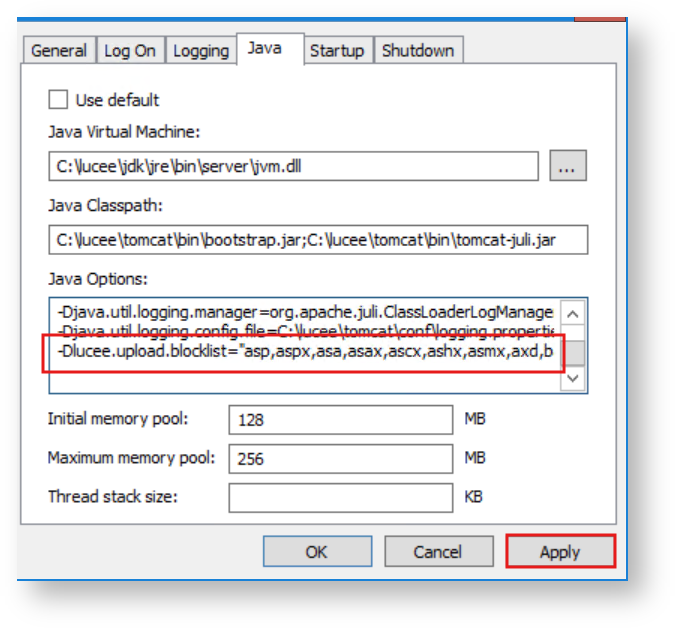
Be sure to click the "Apply" button to save your changes. Then restart the Lucee service for this new change to take effect.
...
| Page properties | ||
|---|---|---|
| ||
|